
fireconnect login once. Then choose your harness below. Each section shows the connect command, the settings FireConnect writes, and how to apply a new --model.
Shared rules
- Auth:
fireconnect loginonce, thenfireconnect <harness>. You do not need--api-keyon connect when a key is already saved. - Quit first: fully quit Cursor IDE, VS Code, and the Copilot App before connecting or running
off. Restart other harnesses after connect. statusis read-only while the app is open.- Models: Pass
--model <id>when you connect. Browse IDs withfireconnect model list. See FireRouter for router behavior. - Web search: Claude Code, Codex, and ChatGPT keep native search. See Web Search for details.
Claude Code
claude --resume <id>, or start a new session.
Model picker. FireConnect adds auto, model routers, and Fireworks models to /model. Native Anthropic tiers remain unchanged. --model adds a row; it does not pin the default:
- Fireworks key in
ANTHROPIC_CUSTOM_HEADERS(X-Fireworks-Api-Key), backup under~/.fireconnect/foroff. - Serverless rows in
/model;[1m]tag on 1M-context models. - Optional
statusLineunless you already have one. - Native web search and fetch stay on.
fireconnect claude usage, see Usage and Cost. For a side-by-side model comparison, see the Side-by-Side Demo.
Routers
- Bare
firerouterand routes containing a Claude family alias or Anthropic model ID can use your Claude login. firerouter/astrarequires an OpenAI key configured in Provider Keys.- See Harness Compatibility for
--routing-preferenceand--anthropic-api-key.
- Text-only models fail on pasted images. Use
/rewind. - Claude Code calculates its in-app cost with Anthropic list prices. Use the FireConnect status line for the Fireworks estimate.
- Resume or restart the session after changing models.
OpenCode
auto, stored as fireworks-ai/auto. FireConnect expands short model IDs to full Fireworks paths automatically.
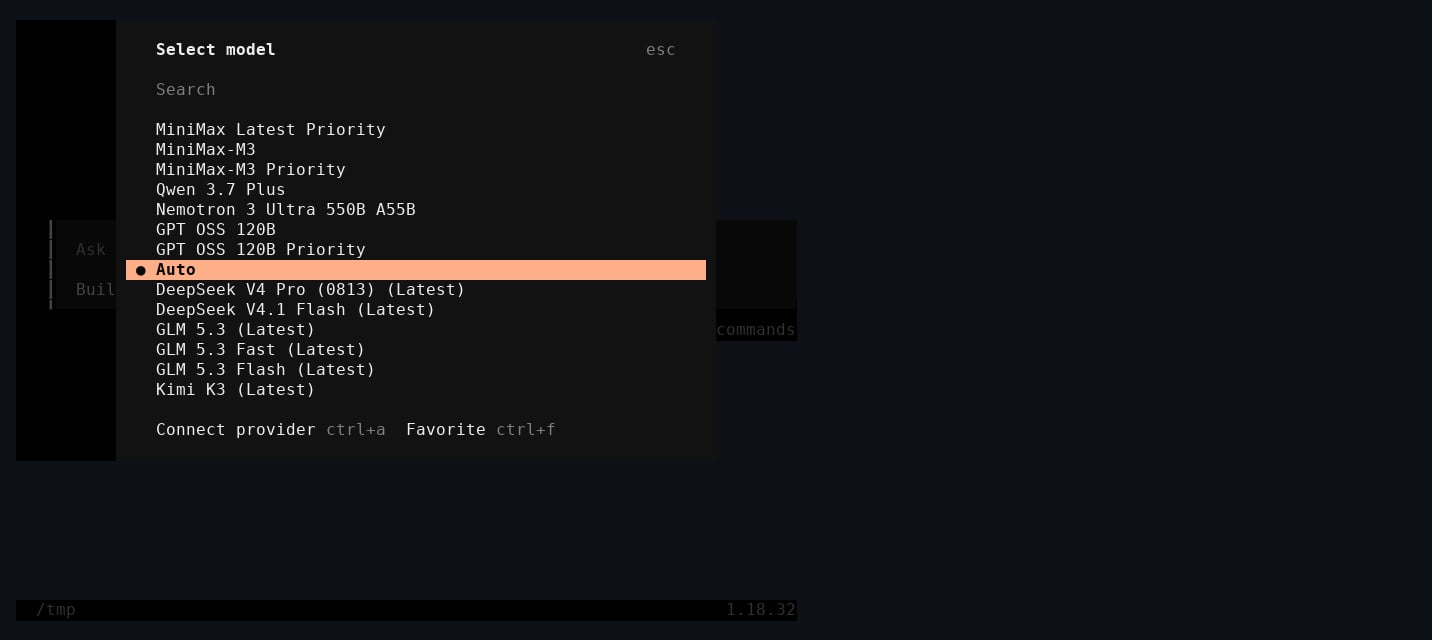
OpenCode model picker after FireConnect, with Auto selected
- A
fireworks-aiprovider using the OpenAI-compatible endpoint athttps://api.fireworks.ai/inference/v1 - The default model and serverless
/modelcatalog in~/.config/opencode/opencode.json - The API key in that file with mode
0600
~/.fireconnect/opencode/. It never changes auth.json. Use --config-path for a configuration stored elsewhere.
/connect → search fireworks.ai → paste your key → /models to pick.
Codex
fireconnect codex and fireconnect chatgpt share one config. The Codex CLI and the ChatGPT desktop app route through Fireworks with a single command. Quit the ChatGPT app before connecting or running off so its model list refreshes. Native web search stays on.
ChatGPT connectors. Connectors you added before connecting continue to work. You cannot add a new connector while connected.
config.toml updates immediately; exit Codex and codex resume <id> (or start fresh) to load it. With a standard Fireworks key, the default model is auto.
To add FireRouter to the Codex and ChatGPT pickers, reconnect with fireconnect codex --model firerouter.
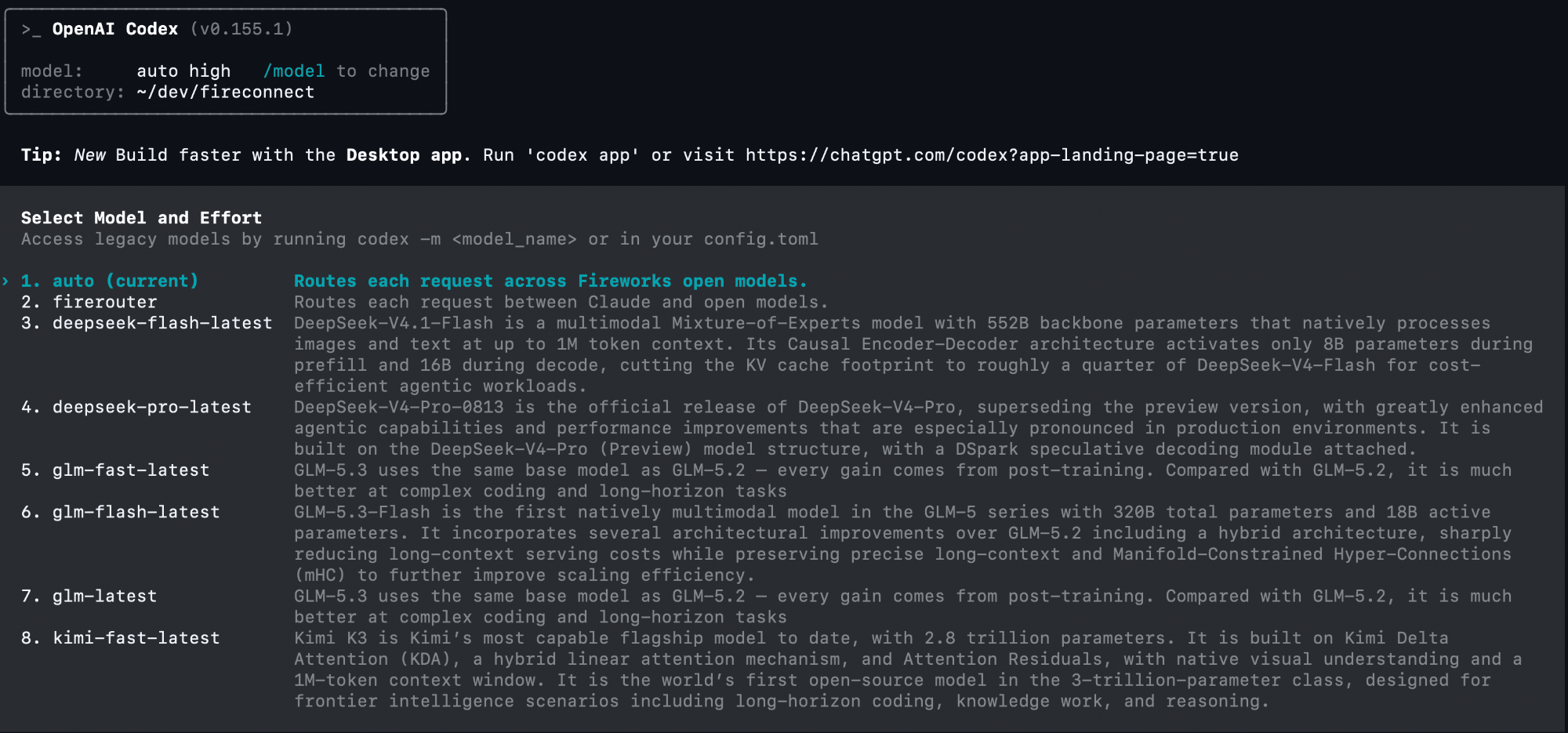
Codex CLI after connecting with FireRouter enabled; Auto is selected
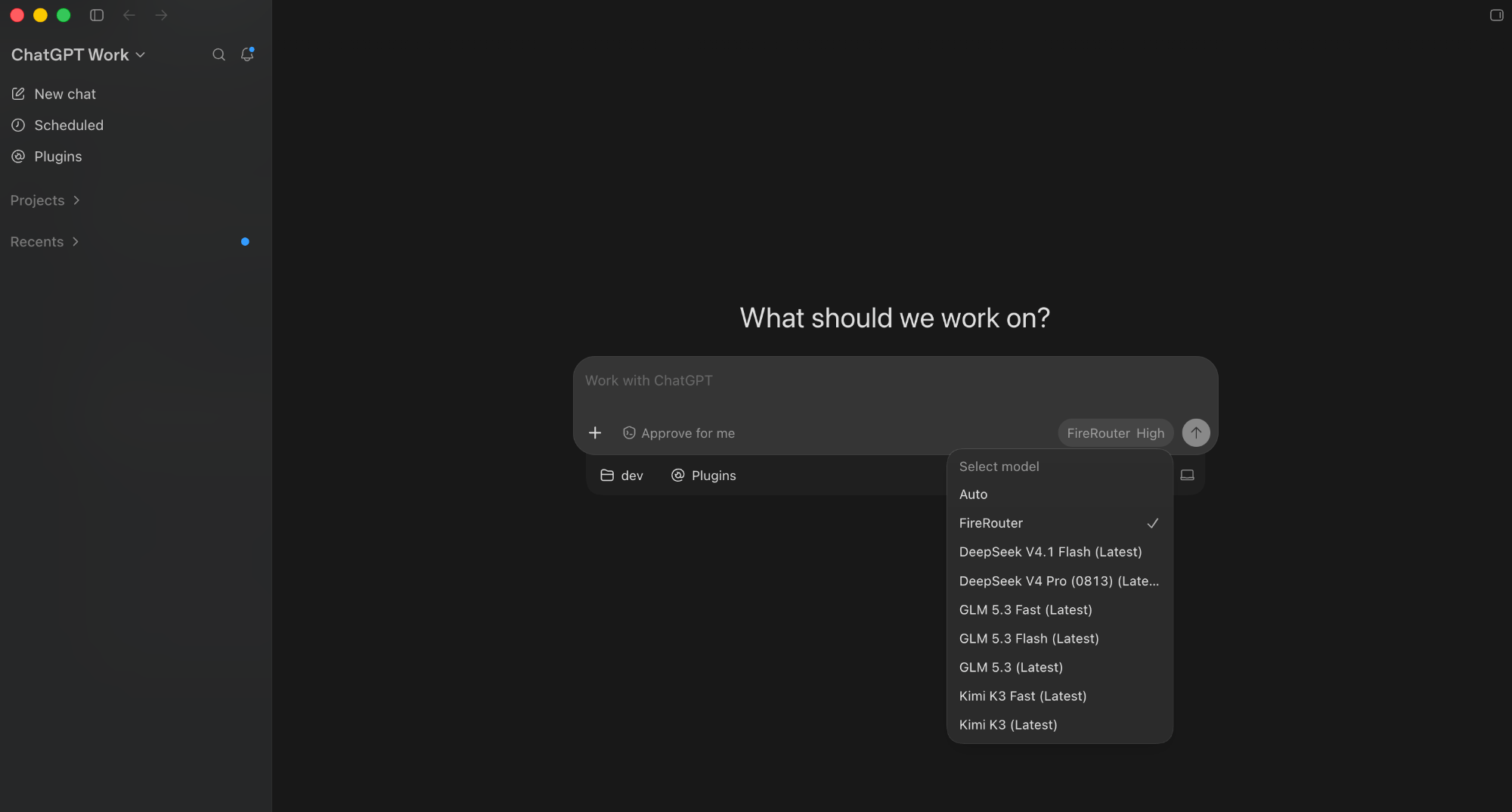
ChatGPT desktop after FireConnect, with FireRouter selected
- Root
model_providerandmodelvalues in~/.codex/config.toml - A
[model_providers.fireworks-ai]block using the Responses API - The API key in
config.tomlwith mode0600 - A serverless catalog at
~/.codex/fireworks-model-catalog.json, linked throughmodel_catalog_json
~/.fireconnect/codex/. Use --config-path for a configuration stored elsewhere.
codex resume <id> -c model_provider="fireworks-ai" (or "fireworks-azure" on the Foundry path).
Pi
auto.
What gets written
defaultProvideranddefaultModelin~/.pi/agent/settings.json- The API key in
auth.jsonwith mode0600 - The serverless catalog in
~/.pi/agent/models.json
~/.fireconnect/pi/. It tracks the IDs it adds so off removes only those entries. Use --settings-path for a settings file stored elsewhere.
Cursor IDE
fireconnect cursor configures Cursor IDE. Cursor CLI (agent or cursor-agent) is not supported.
Cursor IDE keeps AI settings in SQLite (state.vscdb). Fully quit Cursor IDE before connecting or running off. In an interactive terminal FireConnect waits for you (or --force to write anyway). status is read-only while Cursor IDE runs.
modelConfig to use the Fireworks default. FireConnect never creates modes. It also registers the serverless catalog in the picker. status shows the model assigned to each mode. Reopen Cursor IDE and choose a Fireworks model.
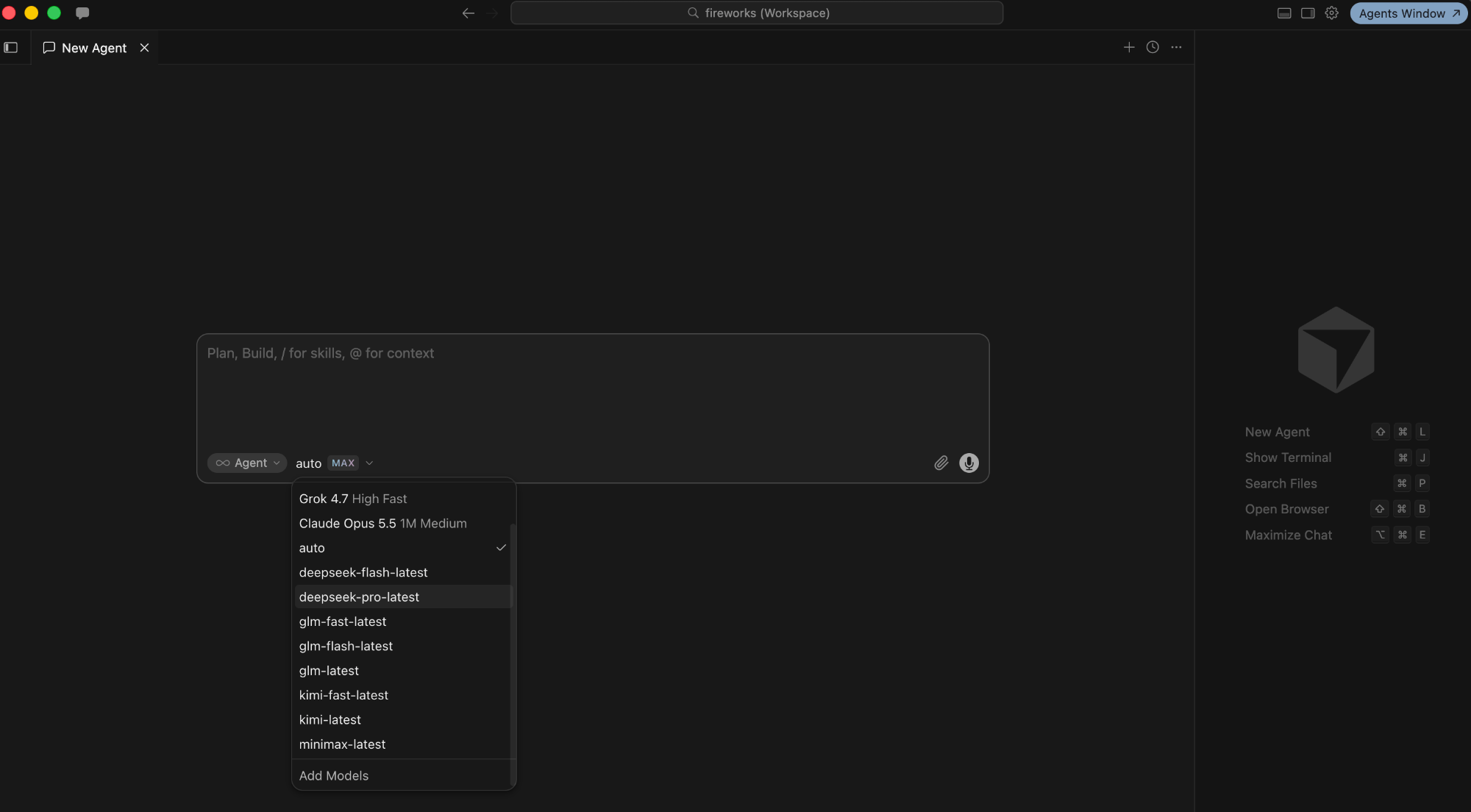
Cursor IDE after FireConnect, with Auto selected
~/.config/Cursor, ~/Library/Application Support/Cursor, or %APPDATA%\Cursor):
Your previous auth state is snapshotted under
~/.fireconnect/cursor/. Use --db-path for a non-default state.vscdb (for example Insiders).
Without FireConnect: add a Custom Model with a Fireworks ID, set Override OpenAI Base URL to https://api.fireworks.ai/inference/v1, paste your key.
VS Code
FireConnect adds aFireworks provider to GitHub Copilot Chat’s custom endpoints. Requires Copilot Pro or Enterprise (free tier only supports Auto). Quit VS Code before connecting or running off; status is read-only while running.
glm-latest and glm-fast-latest are text-only; glm-5p3-flash supports images. Run fireconnect model list to check other model IDs.
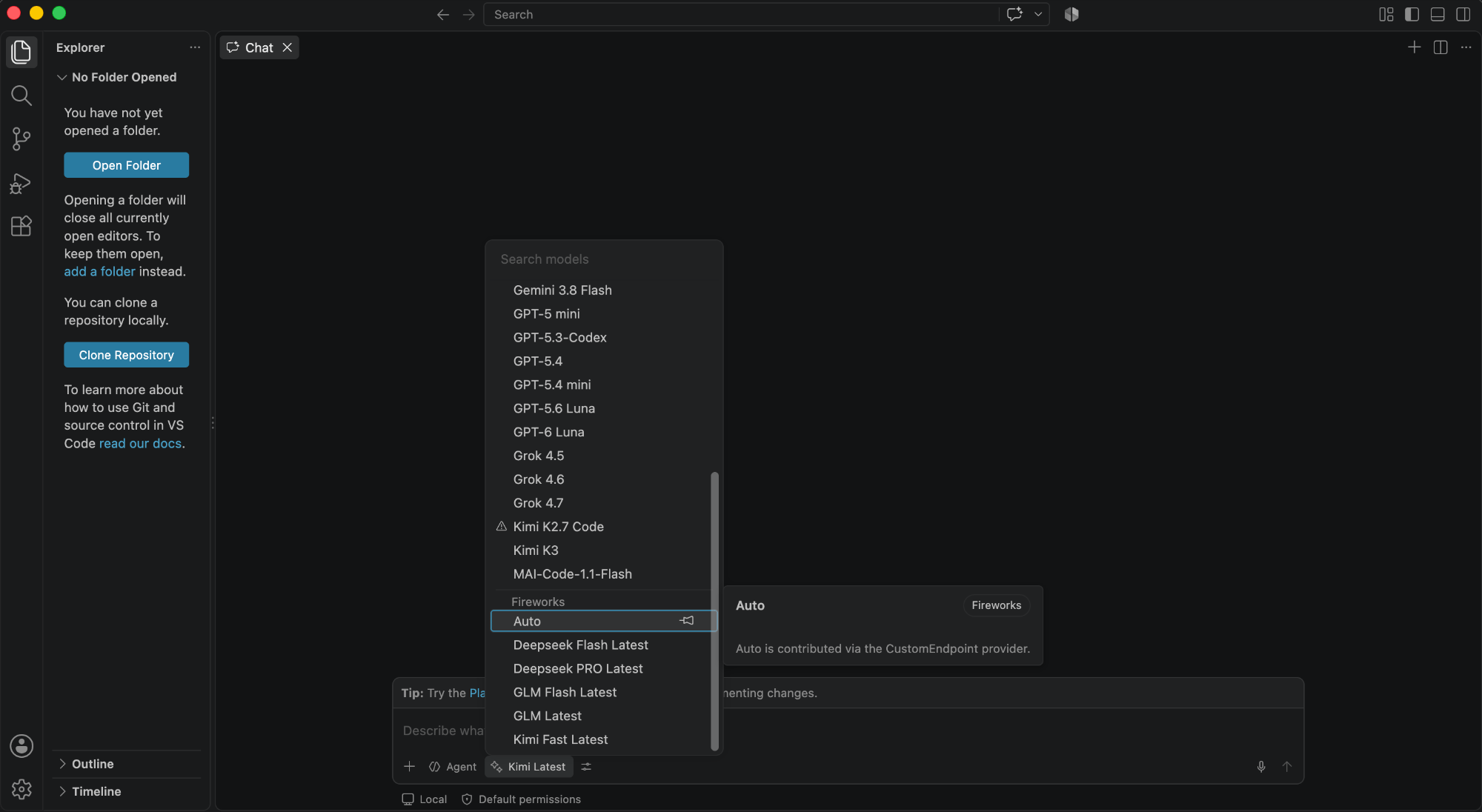
VS Code Chat after FireConnect, with Auto selected under Fireworks
chatLanguageModels.json. VS Code appends /v1/chat/completions to https://api.fireworks.ai/inference. FireConnect also stores the API key in state.vscdb under chat.lm.secret.fw-*, encrypted through Electron safeStorage:
On macOS, VS Code encrypts the key through the login Keychain. Open VS Code once before connecting. On Linux, encryption requires
libsecret; otherwise, Chromium uses obfuscation and FireConnect warns you.
FireConnect snapshots the original JSON under ~/.fireconnect/vscode/. off restores that file and deletes the secret row. Use --vscode-path for a non-default configuration path. For UI setup, see GitHub Copilot.
Copilot App
The GitHub Copilot desktop app routes through Fireworks without changing its built-in models. FireConnect adds a provider alongside them. Quit the app before connecting or runningoff. status is read-only while the app runs. The app and CLI both store files under ~/.copilot, but they use separate settings and are configured independently.
fireconnect copilot-app --model firerouter.
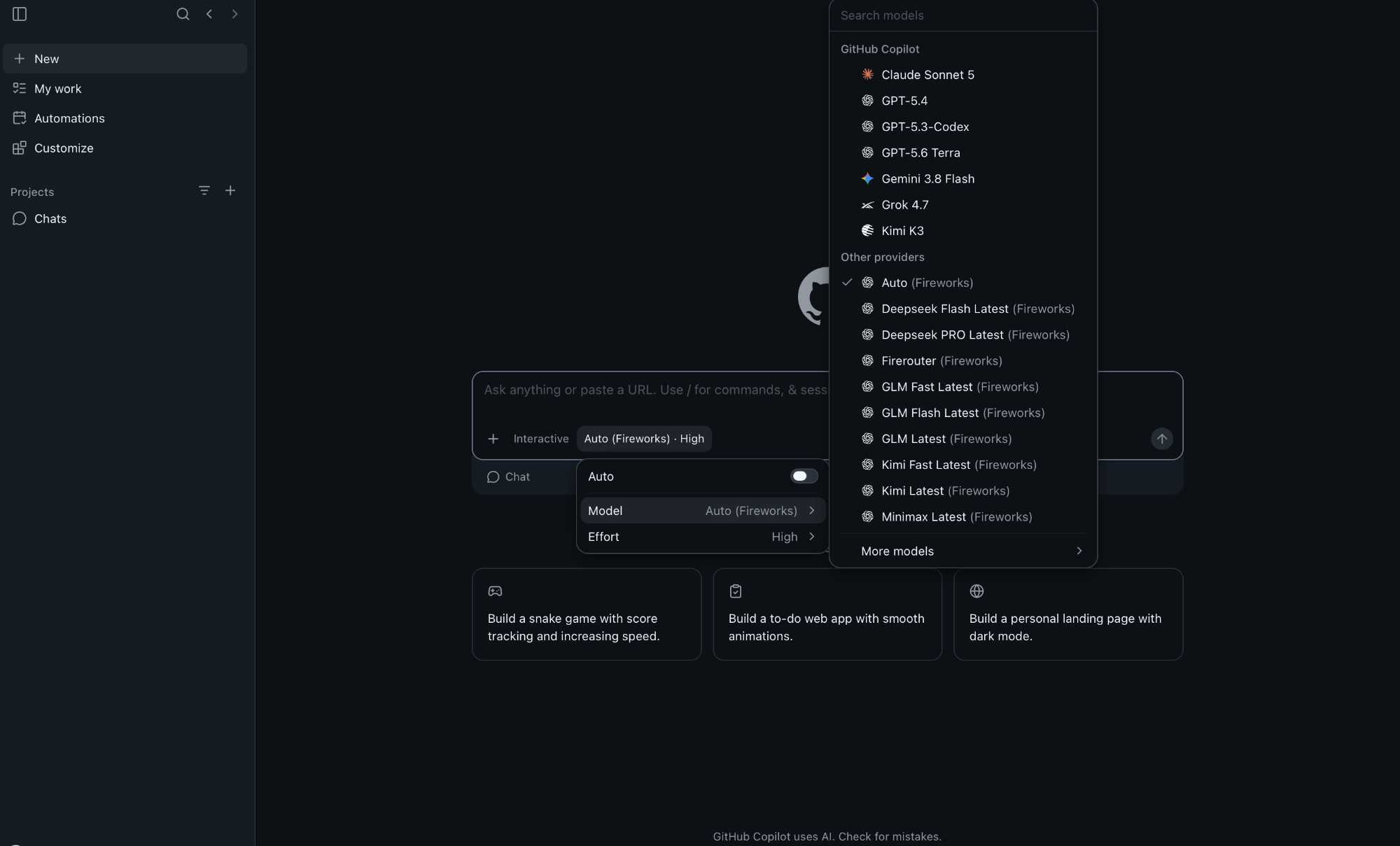
Copilot App after connecting with FireRouter enabled; Auto is selected
~/.copilot/data.db (SQLite, movable via COPILOT_HOME):
off deletes the fc- provider and its models. The desktop app’s BYOK path does not support image input, the hover-card Context row, or AI-credits pricing. Billing runs through Fireworks. Use --db-path for a non-default database.
Copilot CLI
Thecopilot command (@github/copilot) reads plain JSON, never the desktop app’s database.
copilot after enabling.
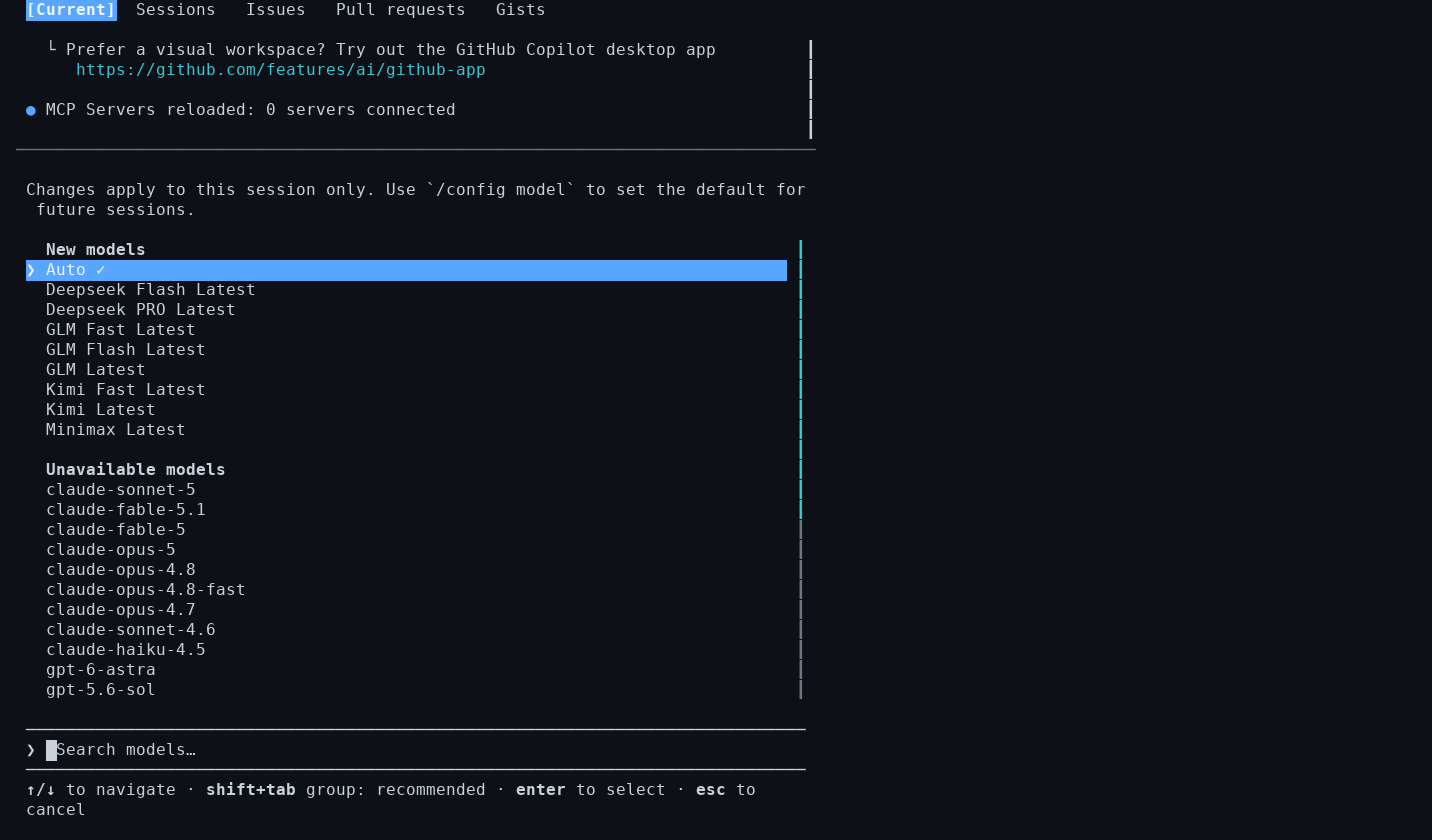
Copilot CLI model picker after FireConnect, with Auto selected
~/.copilot:
Use provider-prefixed model IDs: use
fireworks/glm-latest, not bare glm-latest. The CLI rejects a bare model name and silently falls back to its configured model.
Switch models with copilot --model fireworks/<name> or /model. The CLI supports image input according to each model’s catalog entry.
Because providers.json is user-editable, off restores its snapshot or deletes the file if FireConnect created it. Your existing entries remain intact. Use --providers-path for a non-default location.
DeepSeek Harness
DeepSeek’s coding agent (dsh) routes through a custom OpenAI-compatible provider under $DSH_HOME (default ~/.dsh). Restart dsh after connecting or running off.
auto.
What gets written
- A
fireworksprovider underllm-pi-ai.providersinsettings.yaml agent-default-modelset to the selected model- The API key as
FIREWORKS_API_KEYin.credentials.yamlwith mode0600
~/.fireconnect/deepseek/. Use --config-path for a different settings.yaml; the credentials file stays beside it.
Foundry across harnesses
Microsoft Foundry runs Fireworks models in your Azure subscription and bills usage through Azure. It supports OpenCode, Codex, Pi, Cursor IDE, and VS Code. It does not support Claude Code, DeepSeek Harness, Copilot, or model routers. Pass the Foundry deployment name (FW-GLM-5.2), not a Fireworks short ID. Setup, switching, and restore behavior: Microsoft Foundry.