
- DPO compares the policy against a reference model.
- ORPO combines supervised and preference objectives without a separate reference model.
- Aligning model outputs with brand voice, tone, or style guidelines
- Reducing hallucinations or incorrect reasoning patterns
- Improving response quality where there’s no single “correct” answer
- Teaching models to follow specific formatting or structural preferences
Training with DPO or ORPO
1
Prepare dataset
Datasets must adhere strictly to the JSONL format, where each line represents a complete JSON-formatted training example.Minimum Requirements:Save this dataset as jsonl file locally, for example
- Minimum examples needed: 3
- Maximum examples: Up to 3 million examples per dataset
- File format: JSONL (each line is a valid JSON object)
- Dataset Schema: Each training sample must include the following fields:
- An
inputfield containing amessagesarray, where each message is an object with two fields:role: one ofsystem,user, orassistantcontent: a string representing the message content
- A
preferred_outputfield containing an assistant message with an ideal response - A
non_preferred_outputfield containing an assistant message with a suboptimal response
- An
einstein_dpo.jsonl
einstein_dpo.jsonl.2
Upload the dataset
Upload the dataset with the Fireworks UI, While all of the above approaches should work,
firectl, or the REST API.- UI
- firectl
- Restful API
-
You can simply navigate to the dataset tab, click
Create Datasetand follow the wizard.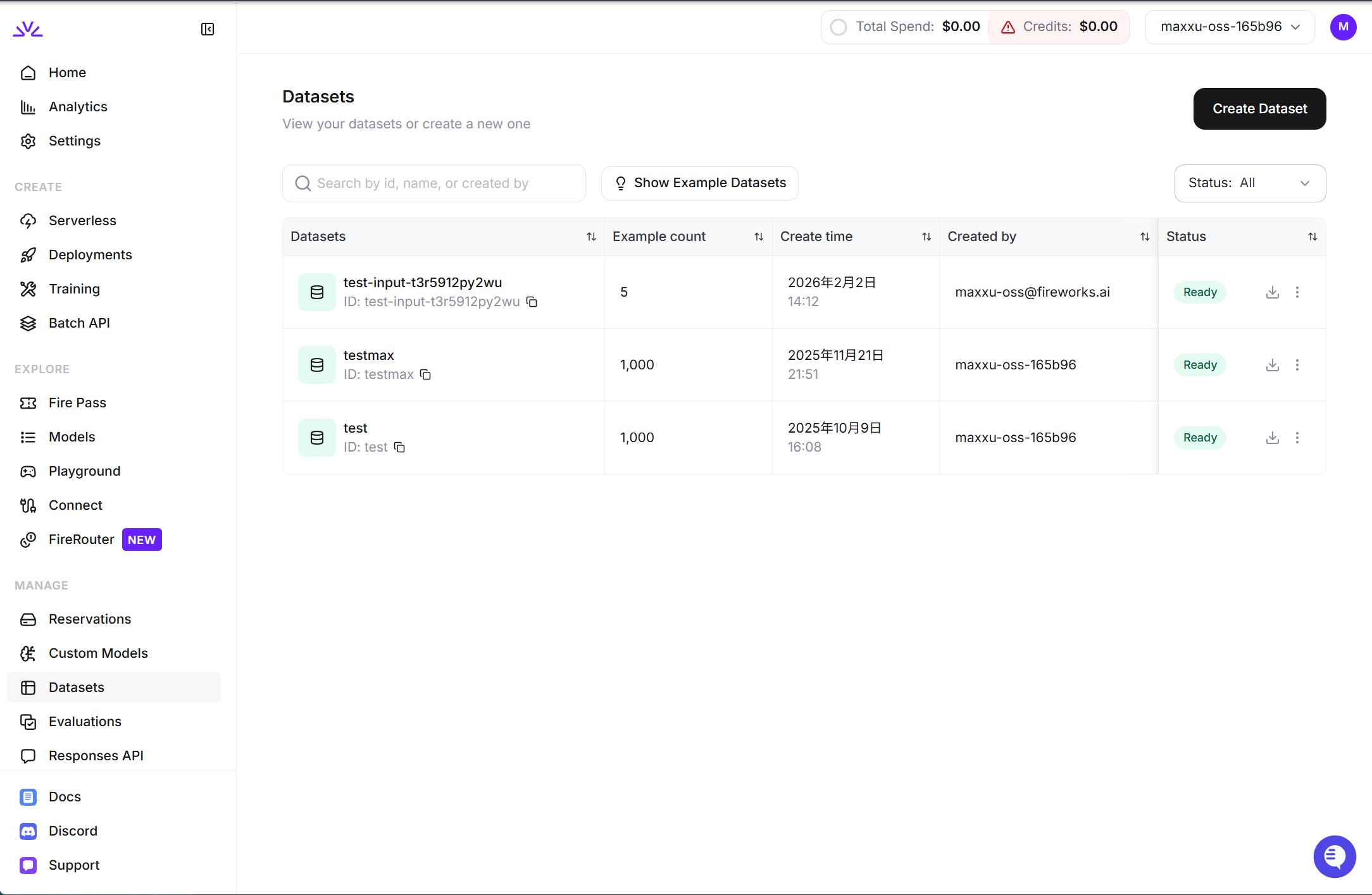
UI is more suitable for smaller datasets < 500MB while firectl might work better for bigger datasets.Ensure the dataset ID conforms to the resource id restrictions.3
Create a DPO or ORPO Job
- UI
- firectl
- REST API
- Python SDK
In the
Training tab, click New job and choose Direct Preference, which is how the UI labels DPO. Select your base model and preference dataset, then follow the wizard.firectl trains a LoRA adapter with rank 8 by default. With the REST API or the Python SDK, always set the rank to train a LoRA adapter: trainingConfig.loraRank in the job body, or training_config={"lora_rank": 8} in dpo_jobs.create(...). An omitted rank is sent as 0, which requests full-parameter training.Reservation placement is off unless you request it: add --use-reservation with firectl, set useReservation: true in the REST body, or pass use_reservation=True to dpo_jobs.create(...) in the Python SDK. With a matching active reservation, the job runs only on that reservation, not on shared capacity; without one, the setting is ignored. For full-parameter DPO, policy and dedicated reference trainers try independently.Choose a base model that Models marks as DPO-enabled, and a shape published for it.To run DPO or ORPO from your own Python training loop instead of a managed job, start from the cookbook DPO recipe.4
Monitor the preference job
- firectl
- REST API
- Python SDK
JOB_STATE_COMPLETED, and the trained model can be deployed.5
Deploy the DPO trained model
Once training completes, you can create a deployment to interact with the trained model. Refer to deploying a trained model for more details. Deployments scale to zero when idle, and the first request after that returns 503 while the deployment scales back up; see Scaling from zero behavior.
Next Steps
Explore other training methods to improve model output for different use cases.Supervised Fine-Tuning - Text
Train models on input-output examples to improve task-specific performance.
Reinforcement Learning
Optimize models against a reward function on the Training API.
Supervised Fine-Tuning - Vision
Train vision-language models to understand both images and text.